Check out our latest ATSC 3.0 Deployment Map!

Login / Register
RedZone Receiver.tv

Welcome to Airwavz.tv NextGen TV Shop

0 Items
$ 0 00

Cart

View Cart Empty Cart
  • No products in the cart.
Shop for ATSC 3.0 TV
  • Deployment Map
  • Features
    • ATSC 3.0
  • Pricing
    • Request a Quote
  • Knowledgebase
  • Help
    • Support
    • TvXplorer Knowledgebase
    • FAQ
    • ATSC3 Resources
    • Contact Us
  • My Account
  • Shop
    • Cart
    • Checkout
  • Contact
Back to top
  • Start Here

  • Download SDK

  • Installation

  • Open SDK Interface

  • ATSC 3.0 Data

Latest SDK Posted 3:02 PM PT, September 27, 2018 “v1.4”

You can download the most recent copy of the SDK from inside your account.

GETTING STARTED:

  1. Login or Register and click on “My Account“
  2. Click the next tab “Download SDK”

Can’t find what you’re looking for? email us at: support@airwavz.tv
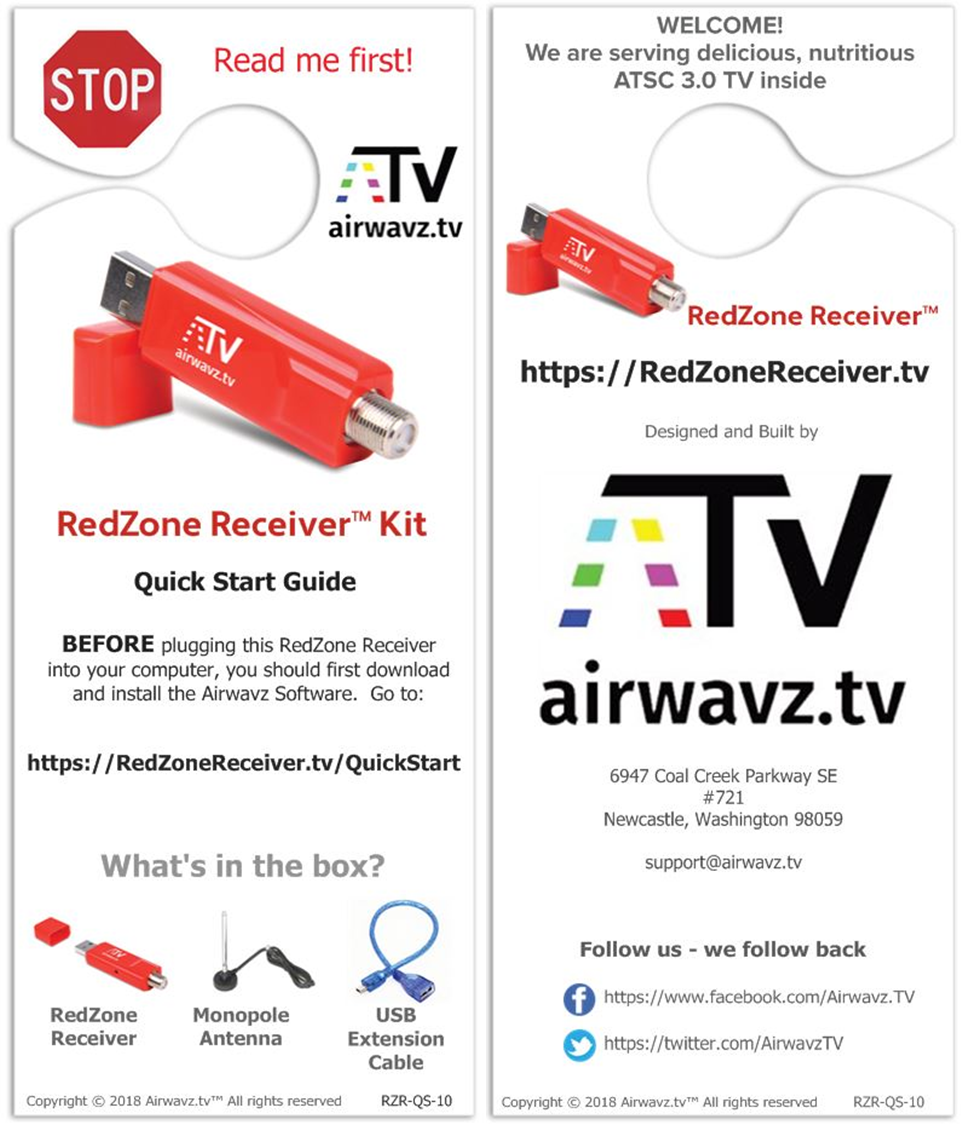
RedZone Receiver Quick Start Guide

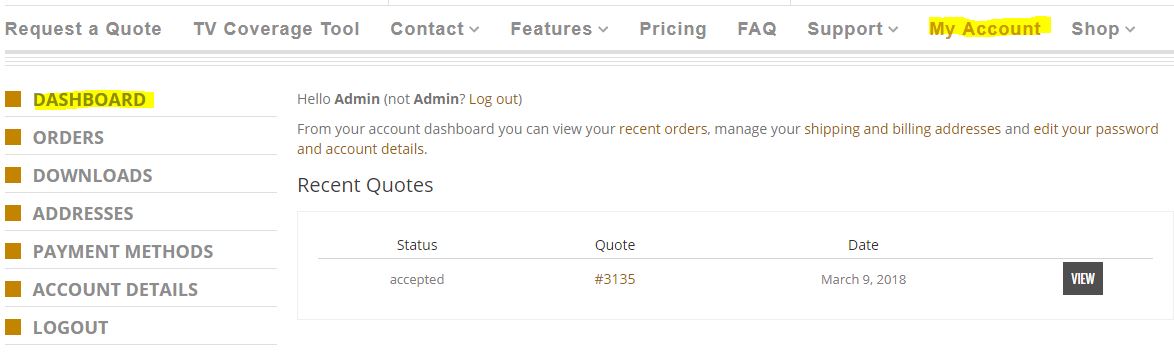
  1. Login or Register to RedZone Receiver.tv website then click on “My Account“
  2. The Dashboard is your default landing page in “My Account”
3. Click “Downloads” to retrieve your SDK
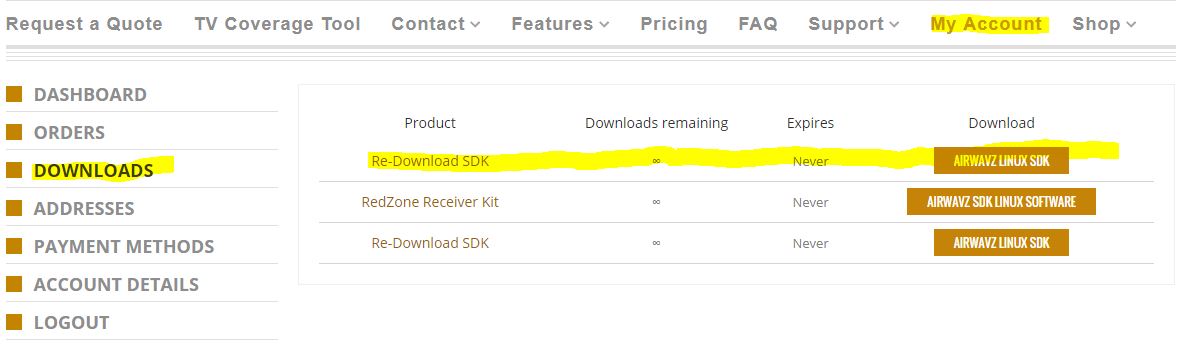
The SDK is in the form of a .tgz file that will be downloaded and extracted to your local PC

Be sure you have the most current version of the SDK by checking the tab “Start Here”  Previous versions of the SDK will not be available after a new SDK is posted.

After extracting the .tgz files, find the “README” text file and read it for further instructions.

A simple HTML web interface to the SDK is available in the download package for your convenience

LEGAL

SITEMAP

SUPPORT

JOBS

Copyright©   Airwavz™ Inc.   2021

Powered by RedZone Receiver™